Description:
Users must reset their passwords when they log on to ExamDeveloper following the production release on 10/20. Changes to the password functionality have been implemented for security reasons. Users must now change their passwords every 60 days and passwords must adhere to stronger password rules.
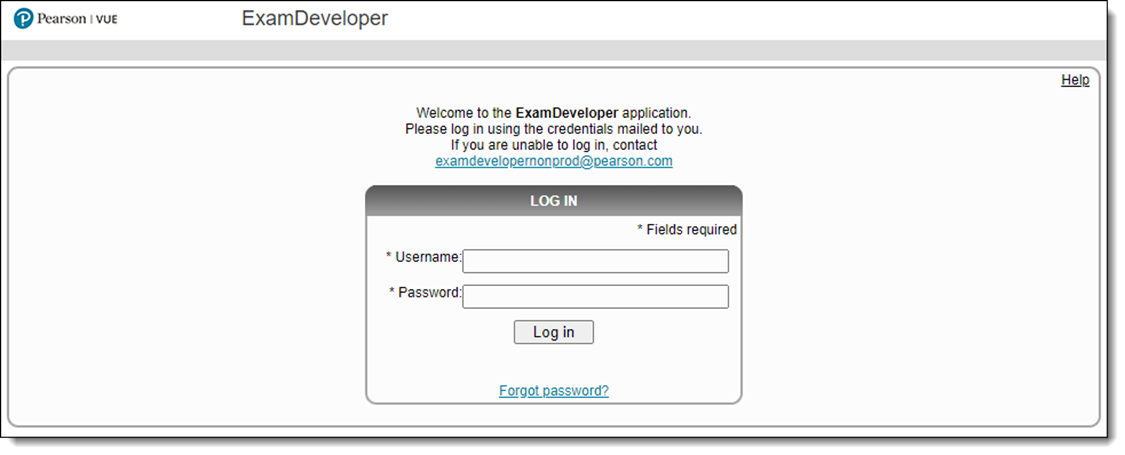
The first time users log in to ExamDeveloper following the 10/20 release, they will enter their Username and Password as usual.
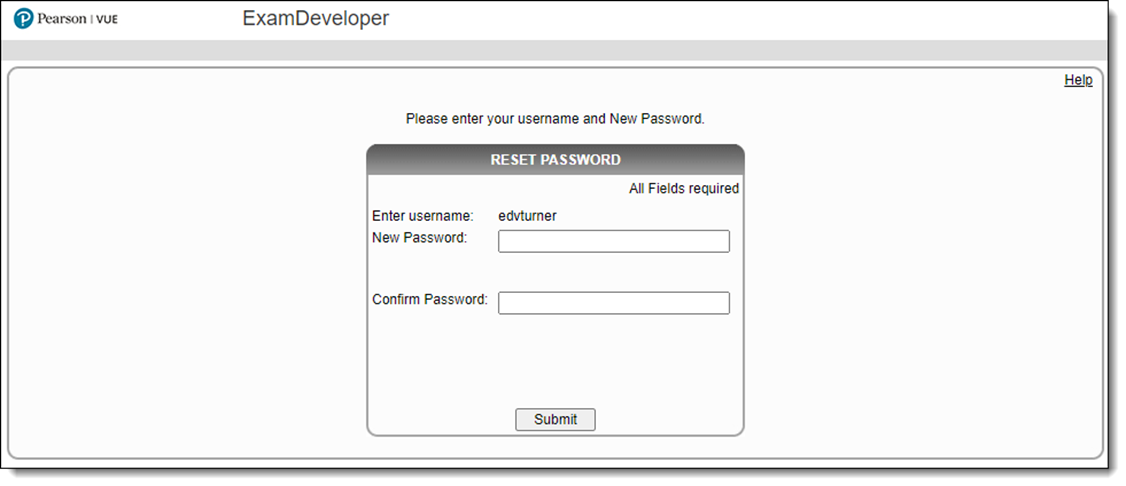
The Reset Password page open. Users must enter a New Password and Confirm the new Password and then click Submit.
Users will be required to update their passwords every 60
days.
Users cannot reuse the last 24 passwords.
Passwords must meet the following criteria:
Must contain a minimum of 8 characters
Must contain any combination of at least 3 of the
following complexity requirements:
1 upper case letter
1 lower case letter
1 number
1 special character